
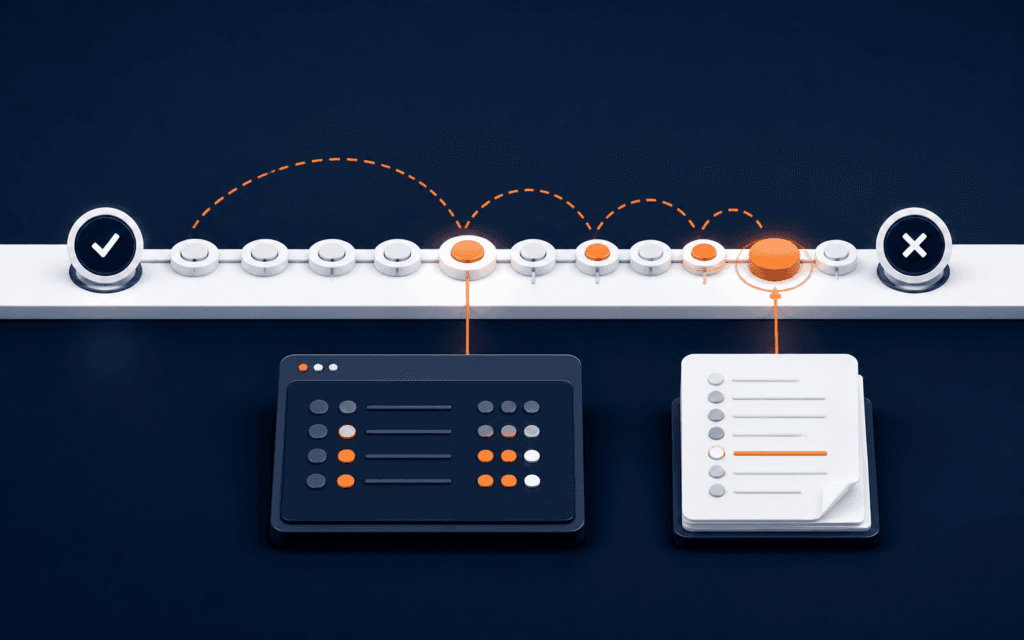
Git Bisect Tutorial: Find a Regression with Good and Bad Commits
Git bisect helps diagnose and resolve the problem when a feature works at one known commit and fails at another. To complete the stated reader task, define one repeatable.
RisingEdge
RisingEdge Resources
Explore practical guides, technology insights, course updates, and career-focused articles designed to help students prepare for real industry work.

138+
Articles
Practical Guides
17+
Topics
Technology Skills
Updated
Regularly
Fresh Content
Featured Resource
Git bisect helps diagnose and resolve the problem when a feature works at one known commit and fails at another. To complete the stated reader task, define one repeatable.
100%
Free Resources
For All Learners
Fresh learning resources, practical guides, and technology insights from RisingEdge.

A landing page message-match audit follows one campaign promise from the search, ad, email, or social post through the destination page and the final confirmation. Capture the.

An accessible digital graphic makes its important message perceivable without depending on one color, tiny text, a fragile crop, or unexplained imagery. Start by naming the.
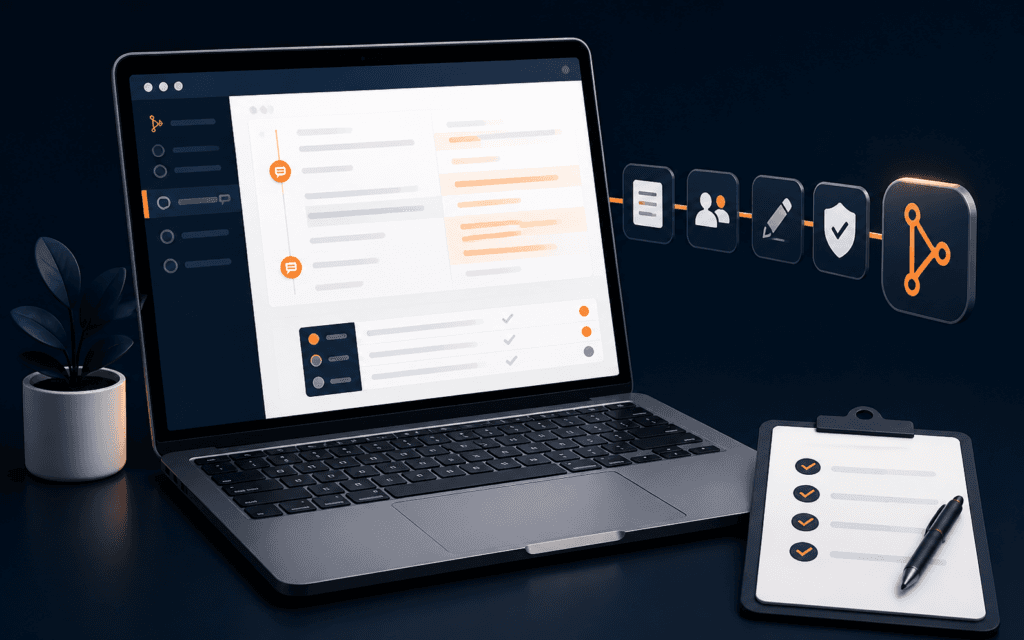
A useful pull request review proves that one bounded change is understandable, tested, and ready to integrate. Before requesting review, define the problem, keep unrelated edits.

An IT institute campus visit should verify the environment in which your specific course will actually run. Inspect the scheduled lab, equipment, internet and software setup, meet.

A weekly technology learning review answers three questions: what can I now do without following the source, where does my evidence fail, and what bounded task should I complete.
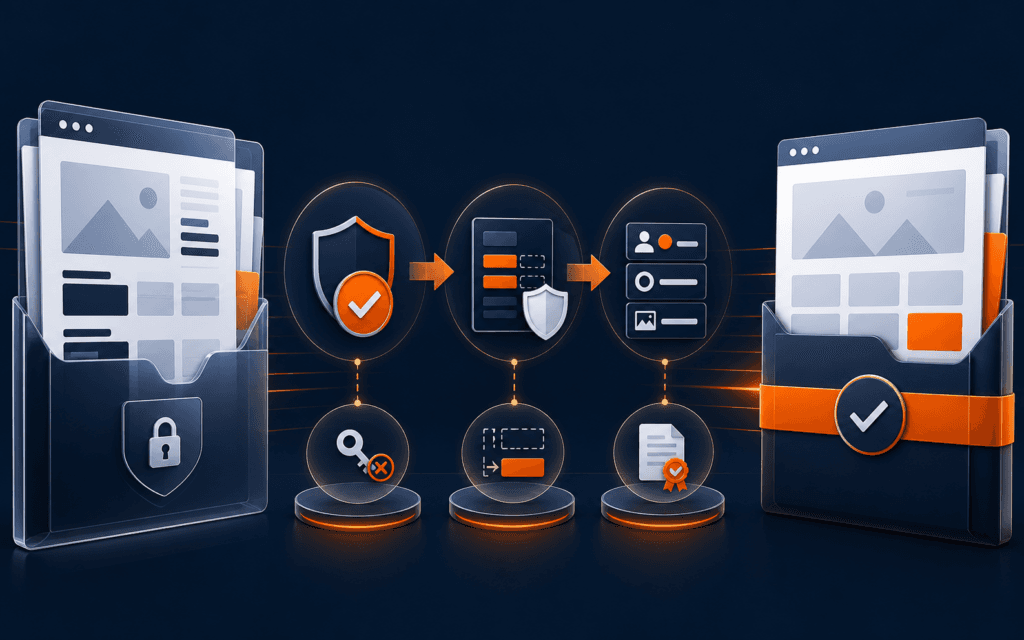
Share client work only when you have permission for the exact material, audience, channel, and duration, and when the released package has been checked for confidential data.
Explore practical RisingEdge courses designed to help students learn, build projects, and prepare for career opportunities.
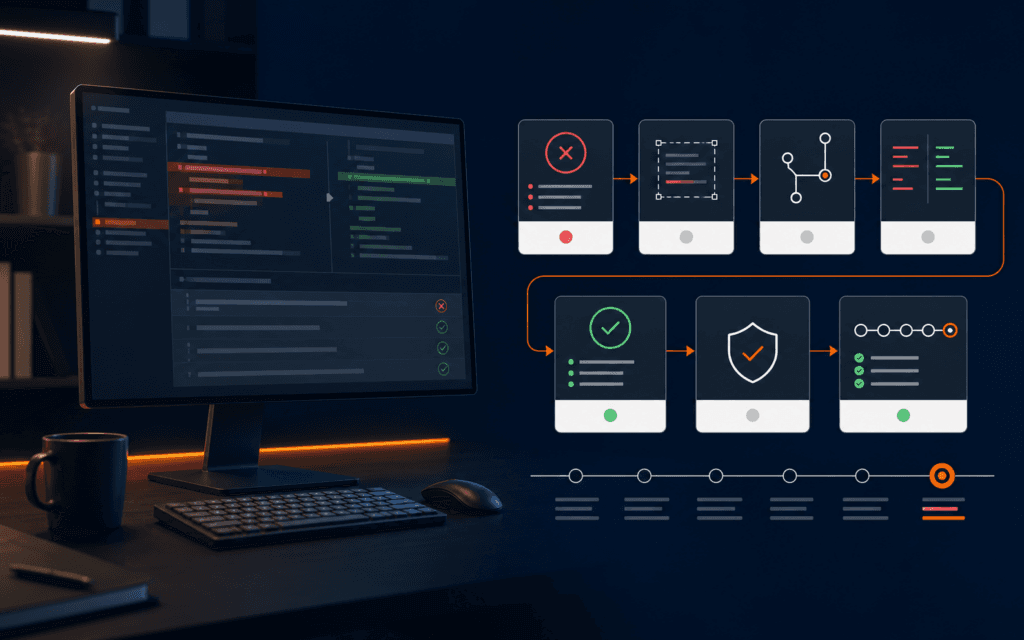
To debug AI-generated code, treat the output as an untrusted change proposal. Preserve the known baseline, reproduce one failure, encode the expected behavior in a test, isolate.

Get practical learning resources, course updates, and technology insights delivered straight to your inbox.
No spam. Unsubscribe anytime.
An AI visual content workflow should begin with an approved communication brief and end with a reviewed, accessible, disclosed, and organized asset. Image generation is one.

A Shopify product page portfolio project is credible when a reviewer can inspect the requirement, content model, media decisions, variant behavior, accessibility checks, failure.

A community information website project can teach research, content structure, WordPress pages, navigation, accessibility, testing, and maintenance without handling payments or.
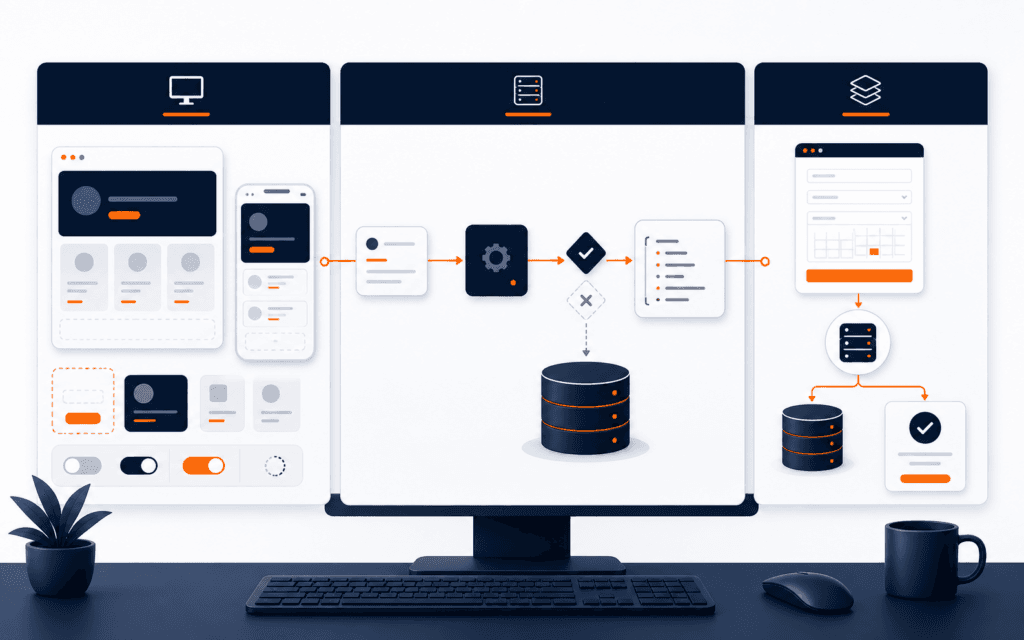
Frontend, backend, and full-stack starter projects teach different boundaries. A frontend project emphasizes browser structure, interaction, accessibility, and responsive behavior.

Freelance capacity planning happens before you promise a delivery date. List current commitments, estimate the new work by deliverable, identify client and third-party.