Pull Request Review Checklist for Learners: Scope, Evidence, Feedback.
A useful pull request review proves that one bounded change is understandable, tested, and ready to integrate. Before requesting review, define the problem, keep unrelated edits.


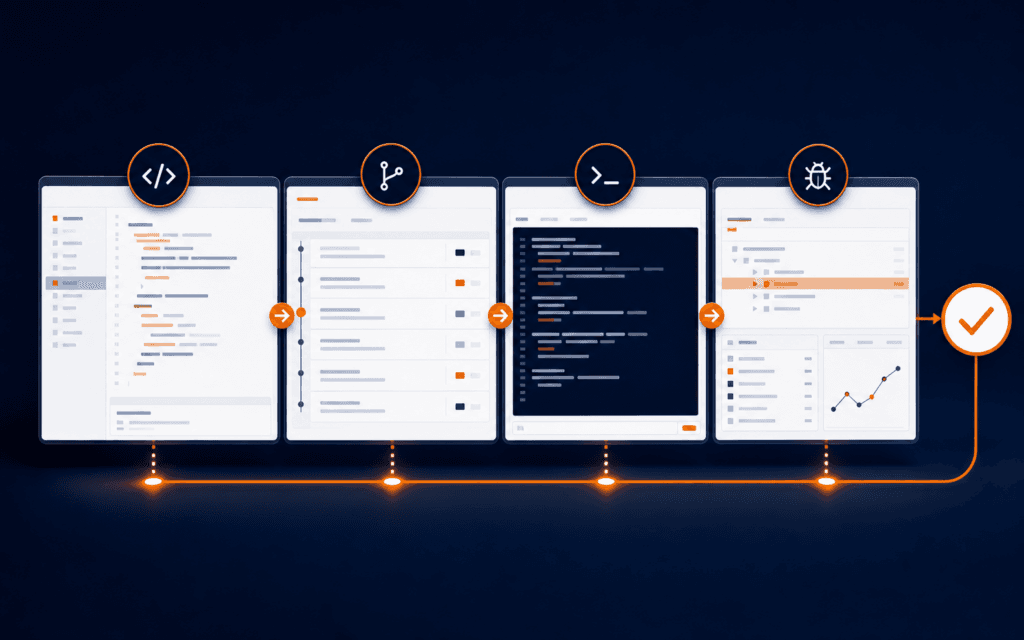
A useful pull request review proves that one bounded change is understandable, tested, and ready to integrate. Before requesting review, define the problem, keep unrelated edits out, explain the approach, inspect your own diff, run relevant checks, and identify risk. The reviewer then compares the change with its stated outcome, examines behavior and failure paths, records actionable feedback, and chooses comment, approve, or request changes. After revisions, both sides verify the exact final commit before merge.
This checklist is designed for learners working on class, practice, open-source, or portfolio repositories. It does not assume that every repository uses the same branch rules or test suite. Follow the repository’s contribution guide and permissions first. A green interface, an automated review, or a single approval is evidence, but none replaces understanding the change that will actually merge.
Define One Reviewable Outcome
Write the outcome in one sentence before polishing code. A strong outcome names the user or system behavior and the boundary: prevent an empty email value from reaching registration validation, for example, is clearer than improve form. Link the issue or requirement when it exists, then list acceptance checks that another person can repeat.
Remove generated files, formatting churn, experiments, secrets, and unrelated fixes from the diff. GitHub recommends small pull requests that serve one purpose because they are easier to understand and safer to merge. If two changes can be reviewed and reverted independently, split them. State dependencies between pull requests rather than hiding an ordering requirement in conversation.
Prepare The Branch And Base Comparison
Confirm the destination branch and update your topic branch according to the repository’s workflow. Inspect the full comparison against the current base, not only the latest commit. A clean commit list can still produce an unexpected final diff after rebasing, conflict resolution, or generated output.
Check filenames, deleted files, permissions, lockfiles, migrations, configuration, and environment examples. Search for credentials, private data, debug output, local paths, temporary feature flags, and accidental binary files. Do not paste secrets into a review to ask whether they are safe. Remove and rotate exposed credentials through the appropriate owner.
Write Context A Reviewer Can Use
Use a specific title and a description that covers the problem, why it matters, the chosen approach, important alternatives, user-visible effects, and exclusions. Include setup steps only when the reviewer cannot reproduce the result with normal project instructions. Point to the files or sequence that deserve attention when the diff is not obvious.
Separate evidence from assertion. Instead of writing tests pass, name the command, environment, and result. For a visual change, include current screenshots at relevant viewports and describe what the reviewer should inspect. For an API change, include representative requests, responses, errors, and compatibility notes without exposing private data.
Perform Author Self-Review
Read the rendered diff as if you did not write it. GitHub explicitly recommends self-review before requesting another person’s time. Look for duplicated logic, misleading names, unreachable branches, missing cleanup, stale comments, broad exception handling, weak error messages, and tests that only repeat the implementation.
Trace one successful path and at least one failure path. Check empty, invalid, unauthorized, slow, and repeated inputs where relevant. Confirm that logs reveal enough to diagnose failure without recording secrets or personal information. If a behavior cannot be verified locally, say so and explain what environment or owner must verify it.
Build A Compact Evidence Packet
Record the commit SHA, commands run, important outputs, test scope, manual scenarios, browser or runtime versions when relevant, and known gaps. Evidence should be proportionate. A copy edit may need preview and link checks; authentication or dependency changes deserve deeper security and regression review.
Do not use screenshots as the only proof of behavior that can be tested. A screenshot can show a state, but not necessarily how it was reached or whether another path fails. Combine visual evidence with reproducible steps, automated checks, or logs. Link failures honestly rather than rerunning until only a passing output remains.
Review Behavior Before Style
As a reviewer, begin with the stated outcome and acceptance criteria. Reproduce the important path when practical, then inspect the diff for behavior, data flow, authorization, error handling, compatibility, performance, accessibility, and operational impact. Review formatting and minor naming after correctness and risk.
Ask whether the tests can fail for the bug they claim to prevent. Look for assertions on outcomes rather than implementation details alone. When the change affects a shared contract, inspect callers and consumers outside the edited file. Use the web development debugging workflow to separate browser, network, server, and deployment evidence.
Write Actionable Feedback
Anchor feedback to a line or a clearly named behavior. Explain the risk, the evidence that triggered concern, and the condition for resolution. Distinguish blockers from suggestions and questions. A comment such as this can return success after the database write fails is more useful than error handling is bad.
Keep the scope stable. If an improvement is valuable but not required for this outcome, open or request a follow-up issue instead of expanding the pull request indefinitely. Avoid rewriting code only to match personal preference. When several solutions are valid, explain the constraint and let the author choose a defensible implementation.
Use Review States Deliberately
GitHub reviews support comment, approve, and request changes. Comment records feedback without a merge decision. Approve signals readiness from that reviewer. Request changes identifies work that should be addressed before merge, but whether it technically blocks merging depends on repository rules and reviewer permissions.
Do not approve merely because automated checks are green, and do not request changes for optional polish. Summarize the review: what you verified, which risks remain, and why your state is appropriate. Repository administrators may configure required approvals, code-owner review, or stale approval dismissal, so inspect the actual merge requirements instead of assuming a universal rule.
Resolve Feedback With Traceability
Read the intent of every comment before editing. Reply when the expected behavior is unclear. Apply the smallest complete correction, add or update evidence, and explain how the change addresses the risk. Mark a conversation resolved only when its condition is met or both parties explicitly move it to follow-up work.
Substantial new commits can invalidate earlier reasoning. GitHub advises re-requesting review after meaningful changes. Reviewers should inspect the new diff and final state, not approve from memory. If a fix changes the original outcome, update the description and acceptance criteria so the pull request remains a reliable record.
Verify The Exact Merge Candidate
Before merge, confirm the head commit, base branch, unresolved conversations, required approvals, automated checks, conflicts, deployment conditions, migrations, and rollback path. Re-run critical checks after the final revision. An approval on an earlier commit is not proof for new code when the repository does not automatically dismiss stale reviews.
Choose the repository’s approved merge method and preserve any required history. After merge, verify the resulting default-branch commit and the behavior in the next relevant environment. Close linked work only when the acceptance condition is actually met. Record follow-up issues, then delete branches according to local policy rather than treating branch deletion as verification.
Apply The Checklist To A Small Validation Fix
Imagine a learner changes registration validation so an address containing only spaces is rejected. The pull request should contain the narrow behavior change, a regression test that fails on the old code, and evidence for a valid address, an empty value, and a whitespace-only value. The description should explain whether trimming occurs at input, validation, or storage and why that boundary was chosen.
A reviewer should inspect other callers of the validator, localization of the error, server-side enforcement, and whether the test genuinely reaches the changed branch. If the learner also notices inconsistent button spacing, that belongs in a separate issue. After revision, both people should verify the new head SHA, rerun the named test, and check the integrated branch rather than relying on the original screenshot.
Turn The Review Into Portfolio Evidence
For learning work, preserve a sanitized summary containing the problem, your role, constraints, pull request link when public and authorized, key feedback, revisions, checks, and final outcome. Explain one tradeoff and one defect the review prevented. Never publish private repository content, client data, credentials, or teammate comments without permission.
A strong artifact demonstrates collaboration, not perfection. It shows that you can bound a change, invite scrutiny, respond without hiding mistakes, and verify the integrated result. A Full Stack Web Development course can provide guided practice across interfaces, servers, data, and deployment, but review quality still depends on repository-specific evidence.
Students considering technology training in Gujrat, Punjab, Pakistan can use this checklist to judge the practical depth of the Full Stack Web Development. The useful evidence is the work a learner can explain, test, and improve, not a list of tools alone.
FAQ
How small should a pull request be?
Small enough that one purpose, its risks, and its evidence can be understood without unrelated context. Split independent changes, but do not fragment one required behavior into pieces that cannot be tested safely.
Does an approval mean the pull request is safe to merge?
No. Approval is one reviewer’s decision. Confirm the final commit, checks, unresolved feedback, branch rules, required owners, conflicts, deployment conditions, and known risks.
Should learners include failed tests in a pull request?
Include relevant failures and their resolution when they explain the change. Do not hide an unresolved failure; label it, identify ownership, and block merge when it threatens the stated outcome.
Want to Build Practical Technology Skills?
Explore RisingEdge courses designed to help students learn real skills, build projects, and prepare for career opportunities.