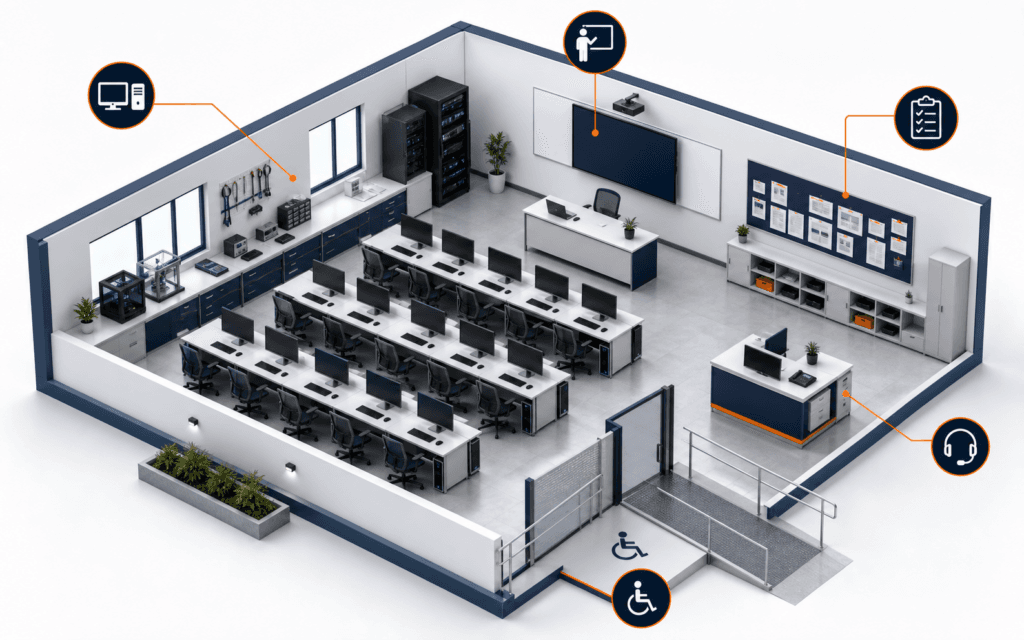
Build a Community Information Website as a Beginner Project
A community information website project can teach research, content structure, WordPress pages, navigation, accessibility, testing, and maintenance without handling payments or.

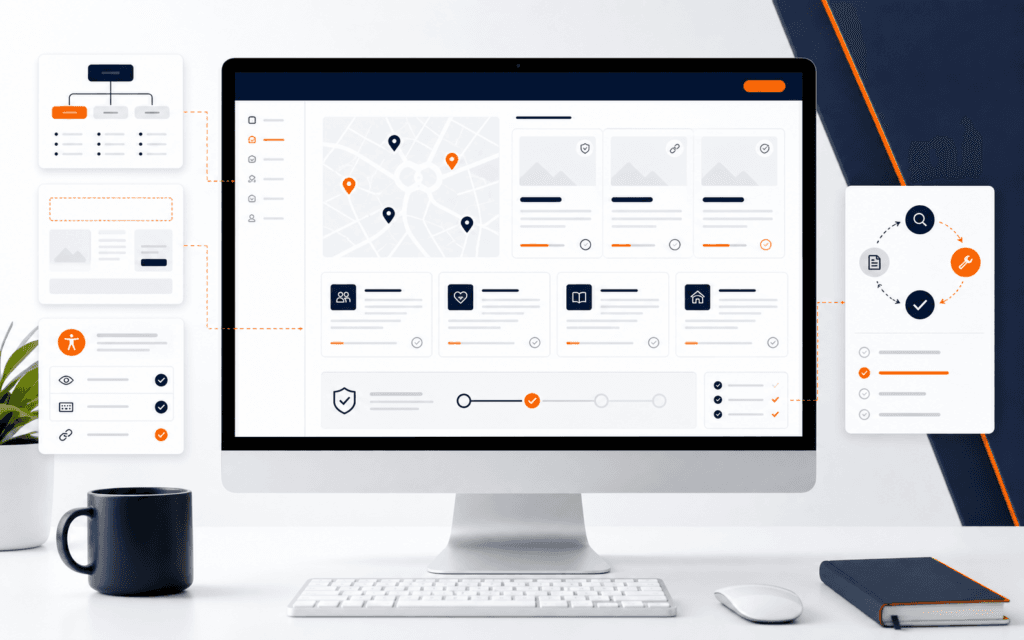
A community information website project can teach research, content structure, WordPress pages, navigation, accessibility, testing, and maintenance without handling payments or personal records. Build it for a fictional neighborhood resource desk and label the project clearly so visitors cannot mistake it for an official service.
Use synthetic contact details and openly licensed media. Do not copy private lists, claim government or institutional affiliation, publish unverified emergency guidance, or launch a form that sends data nowhere. The project succeeds when its content is useful, inspectable, and maintainable within its stated learning scope.
Define A Fictional Service
Choose a narrow purpose such as explaining local learning resources, public study spaces, event categories, and how residents can verify current information. Create a fictional organization name that does not resemble a real authority. Add a visible educational-project notice and a last-reviewed date to content that could change.
Name the audience, top tasks, and exclusions. Visitors may browse resource categories, understand eligibility questions, and follow links to official sources. Exclude emergency response, legal advice, registrations, payments, account creation, and personal-data collection. This keeps the learning project useful without presenting unverified services.
Create A Source And Ownership Register
For every factual item, record the source URL, publisher, reviewed date, content owner, and update frequency. Prefer official sources for schedules, eligibility, addresses, and policies. If a fact cannot be verified, omit it or label it as a fictional example rather than filling a gap from memory.
Separate source facts from your explanatory copy. Keep quotations minimal and write original summaries. Record image licenses and attribution requirements. Do not download personal photos from social media or publish phone numbers gathered from informal groups. Responsible content handling is part of the project evidence.
Plan The Page Structure
Use a home page, resource directory, individual resource pages, about-this-project page, accessibility statement, and contact-method explanation that contains no live collection form. WordPress documentation describes Pages as suitable for non-chronological content and supports parent-child organization.
Map each page to one user task and next action. Keep navigation labels literal. A directory item should explain what the resource is, who may find it relevant, which facts require official confirmation, when the entry was reviewed, and where to verify current information.
Prepare Real Production Copy
Write complete content before final layout. Replace lorem ipsum with concise headings, summaries, eligibility caveats, verification links, and maintenance notes. Use plain language and define unfamiliar terms. Avoid promotional claims, rankings, guaranteed outcomes, and invented testimonials.
Create realistic variation with long names, missing optional images, several categories, and entries with different update schedules. This reveals layout and content-model problems that identical sample cards conceal. Keep all names and contact details synthetic unless an official public source permits accurate citation.
Build With WordPress Pages
Install WordPress only in an authorized local or training environment. Use a maintained block theme and create the page hierarchy, navigation, reusable patterns, and styles. WordPress’s Site Editor documentation covers navigation, styles, pages, templates, and patterns for block themes.
Create global header and footer elements once, then use consistent templates for directories and details. Avoid editing theme files when blocks and styles can meet the requirement. Record the WordPress version, theme, plugins, setup steps, and any licensed assets so another learner can reproduce the project.
Design For Clear Scanning
Use a restrained visual hierarchy with descriptive headings, short paragraphs, lists where they help, and consistent metadata such as category and reviewed date. Maintain readable line lengths, sufficient contrast, visible focus, and predictable links. Do not rely on color alone to communicate status.
Design mobile layouts with the same information priority as desktop. Test long titles and zoom. Avoid decorative carousels, automatic motion, crowded icon sets, and imagery that implies a real facility. The focal content is trustworthy navigation and explanation, not an invented institutional brand.
Run Accessibility Checks
W3C’s preliminary accessibility checks cover useful first-review areas including titles, headings, alternatives, contrast, keyboard access, and forms. Use these checks as a starting point, not a certification or substitute for appropriate expert and user evaluation.
Navigate every page using a keyboard, inspect heading order, verify meaningful link names, test zoom and reflow, and confirm images have suitable alternatives. If you include a demonstration form, keep it local, label it non-operational, provide clear errors, and do not collect or transmit data.
Verify Content And Links
Check every internal route, official external link, navigation item, image, and download. Verify page titles, canonical behavior in the training environment, mobile presentation, and the 404 page. Record broken-link results and correct the content source rather than redirecting users to an unrelated page.
Ask a reviewer to complete top tasks without coaching: find a category, inspect an entry, identify when it was reviewed, and reach the official verification source. Note confusion and revise labels or structure. Do not claim usability from one friendly reviewer; report the scope of the check honestly.
Plan Maintenance And Handoff
Create a maintenance table with content item, owner, review frequency, source, last-reviewed date, and action when information cannot be confirmed. Archive or flag stale entries instead of leaving uncertain details live. Explain how navigation and reusable patterns should be updated.
Package setup instructions, content register, accessibility results, link report, screenshots, backup method, and known limitations. Remove accounts, tokens, private paths, and personal data. Test restoration or export in the permitted environment so the handoff is more than a folder of screenshots.
Present The Project Honestly
Describe the website as a fictional learning project. Show the content model, page hierarchy, reusable pattern, accessibility decisions, verification evidence, and maintenance plan. State which content and assets are synthetic, which official sources were used, and which capabilities are intentionally absent.
A guided WordPress Development course can help learners practice these workflows. For current enrollment details, use the Rising Edge admissions page. Do not imply that the project is endorsed by Rising Edge, WordPress, a local authority, or any organization named in source links.
Create A Content Review Routine
Review fast-changing entries more often than stable explanatory pages. At each review, open the cited official source, compare the specific fact, update the reviewed date only when a human actually checks it, and record what changed. A successful link request does not prove that the linked information still supports your summary.
Define a stale-content state in the design. When an item reaches its review date or its source disappears, display a clear verification warning or remove the item from normal browsing until it is checked. Do not silently preserve a confident description because deleting it would make the directory look smaller.
Use a second person for sensitive wording and ambiguous eligibility explanations. The reviewer should be able to trace every real-world claim back to its source register. Keep the published page concise while retaining the review record privately in the project files without personal data or credentials.
Use A Release Checklist
Before release, confirm the fictional-project disclosure appears on every relevant entry path, synthetic contact details cannot be mistaken for real ones, no form transmits information, and no real person’s data remains in content, media metadata, accounts, backups, or screenshots. Verify media rights and remove unused assets and plugins.
Test home, directory, detail, disclosure, accessibility, and error pages on narrow and wide screens. Check navigation with keyboard only, browser zoom, heading order, link purpose, contrast, image alternatives, long content, missing optional media, and broken external sources. Record browser, date, test steps, result, and any accepted limitation.
Create a backup or export, restore it in the authorized training environment, and repeat the top user tasks. A release is not complete merely because the original installation still works. The restoration check proves that documentation, content ownership, and configuration are sufficient for a responsible handoff.
Finally, ask someone unfamiliar with the build to identify the fictional status, find one resource, locate its review date, and follow the official verification path. Record where they hesitate. Correct confusing labels and missing context before capturing final screenshots, then preserve the tested release and its evidence together.
Set a retirement condition as well as an update schedule. If the learner no longer maintains the project, replace potentially time-sensitive directory content with a clearly archived demonstration or take the public instance offline. A portfolio can preserve screenshots, code, and test evidence without leaving stale community guidance available to visitors.
Before launch, ask one intended reader to find an announcement, a contact method, and an older update. Their route through the site will expose naming or navigation problems that the builder may no longer notice.
Students considering the WordPress Development can practise the practical approach in this article from Gujrat or through live online classes across Pakistan. This makes the course decision more concrete because the learner can evaluate the subject through an actual workflow instead of a broad description.
FAQ
Can I publish a fictional community website publicly?
You can publish a clearly labeled learning project when hosting and asset rights permit it. Avoid official-looking names, private data, unverified public guidance, and operational forms.
What pages should the project include?
Use a focused home page, directory, detail pages, project disclosure, accessibility statement, and source or maintenance information. Add only pages that support a real user task.
How do I prove the project is complete?
Provide requirements, content sources, page hierarchy, responsive evidence, accessibility and link checks, reviewer tasks, setup instructions, maintenance plan, and honest limitations.
Want to Build Practical Technology Skills?
Explore RisingEdge courses designed to help students learn real skills, build projects, and prepare for career opportunities.