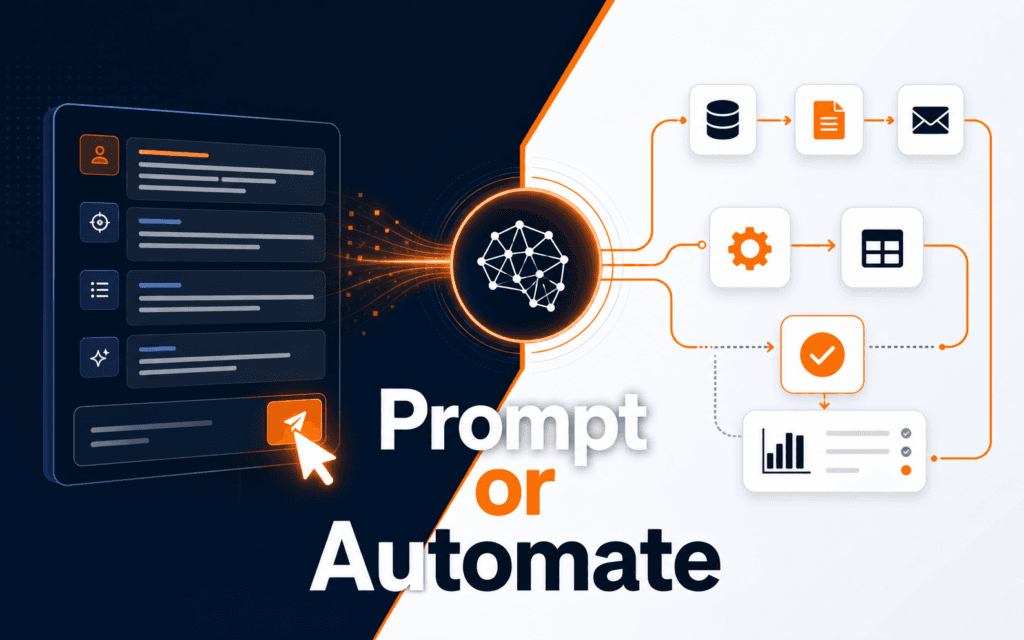
Prompt Engineering Practice Projects: Exercises Beginners Can Actually Finish
Prompt engineering practice projects should be small enough to finish, specific enough to evaluate, and realistic enough to transfer into school, work, or creative tasks. Beginners.

Prompt engineering practice projects should be small enough to finish, specific enough to evaluate, and realistic enough to transfer into school, work, or creative tasks. Beginners should practice task framing, context, examples, constraints, output formats, and review. They should not memorize prompt tricks without checking whether the output actually solves the task.
OpenAI’s prompt engineering guide frames prompting as a way to improve model results through better instructions. The text generation guide explains that models can generate many kinds of text from prompts, including prose, code, equations, and structured JSON. OpenAI Academy’s prompting fundamentals shows practical examples where prompts define audience, source material, deliverables, risks, and checklists. For Rising Edge learners, Prompt Engineering connects naturally with AI Content Generation because useful prompts still need review, source awareness, and editing judgment.
Practice One Skill at a Time
Beginners often try to write one perfect prompt that does everything. That approach makes practice hard because it is unclear which part worked. A better method is to isolate one skill.
Build around six prompt skills:
- Define the task clearly.
- Describe the audience.
- Provide useful context.
- Add examples or source material.
- Set output constraints.
- Review the result against a checklist.
Each practice project should focus on one or two of these skills. For example, a summarization exercise can focus on audience and length. A planning exercise can focus on deliverables and missing information. A formatting exercise can focus on structured output.
This makes progress visible. The student can compare outputs and see how better context, clearer constraints, or stronger evaluation changes the result.
Project 1: Rewrite for a Specific Audience
Choose a short paragraph from a class note, product description, or blog draft. Ask the model to rewrite it for three audiences: a beginner, a busy manager, and a technical reader.
The prompt should include:
- The original paragraph.
- The target audience.
- The desired tone.
- The maximum length.
- A rule to preserve the original meaning.
After generating outputs, compare whether the beginner version explains terms, the manager version leads with decisions, and the technical version preserves precision. This project teaches that audience changes structure, word choice, and detail.
The review step matters. If the output changes the meaning, the prompt is not good enough yet. Add a constraint such as “do not add facts that are not in the original paragraph” and try again.
Project 2: Turn Notes Into a Brief
Prompting fundamentals become clearer when the input includes messy notes. Collect five to eight bullet points about a simple topic, such as a course launch, portfolio review, website update, or social media campaign. Ask the model to turn the notes into a structured brief.
The brief should include:
- Objective.
- Audience.
- Key message.
- Deliverables.
- Risks or missing decisions.
- Next actions.
This exercise teaches context and structure. The model can organize notes, but the student must check whether anything was invented. If the notes do not include a deadline, budget, owner, or evidence, the output should flag that information as missing instead of pretending it exists.
The best version of the prompt says: “If required information is missing, list it under Missing Decisions instead of guessing.” That single instruction often improves the usefulness of planning outputs.
Project 3: Create a Checklist From a Process
Choose a process you understand, such as publishing a blog post, preparing a portfolio project, testing a landing page, or creating a social media campaign. Ask the model to convert the process into a checklist.
A strong prompt includes the goal, user, level of detail, order of steps, and format. For example, a beginner checklist should use plain language and avoid tool-specific assumptions. A professional checklist may include owner, evidence, and approval status.
Review the output by asking three questions:
- Every checklist item is actionable.
- The order is logical.
- No item is too vague to verify.
This project teaches that prompt engineering is not only about generating text. It is about creating outputs that can be used by a real person.
Project 4: Ask for Structured Output
Structured output practice is useful because many work tasks need tables, JSON-like summaries, briefs, or records. The text generation documentation describes that models can produce structured formats, but beginners still need to define fields clearly.
Use a small input, such as a short article summary or course description. Ask for a structured record with fields like title, audience, purpose, key points, missing information, and next action.
Then test whether the fields are complete, values are concise, unsupported information is absent, and another person could use the record without reading the original.
Students should practice both strict and flexible formats. Strict formats are useful for automation. Flexible formats are useful for planning. Knowing the difference prevents frustration.
Project 5: Build a Prompt Evaluation Rubric
Prompt practice becomes much stronger when students score the output. Create a simple rubric with five categories:
- Accuracy.
- Completeness.
- Audience fit.
- Format compliance.
- Usefulness.
Score each output from one to five. Then revise the prompt and run the task again. The goal is not to get a perfect score immediately. The goal is to learn which prompt changes improve the output.
This habit keeps prompt engineering grounded. A prompt that sounds impressive may still produce weak work. A plain prompt with clear context, constraints, and review criteria may perform better.
A Weekly Practice Routine
Follow a simple weekly routine:
- Monday: rewrite one paragraph for two audiences.
- Tuesday: turn rough notes into a brief.
- Wednesday: create a checklist from a process.
- Thursday: request structured output from a short source.
- Friday: score outputs with a rubric and revise the weakest prompt.
This routine is small, repeatable, and realistic. It avoids the trap of reading endless prompting advice without building judgment. It also gives students saved examples they can compare over time.
For learners who want a guided path, Prompt Engineering can build prompting fundamentals, while AI Content Generation helps apply those prompts to planning, drafting, reviewing, and editing content responsibly.
Common Mistakes Beginners Make
The first mistake is asking for too much in one prompt. Break the task into smaller stages when the output is hard to judge.
The second mistake is forgetting the audience. The same information should look different for a student, client, manager, or developer.
The third mistake is accepting the first answer. Revision is part of the skill.
The fourth mistake is using examples without checking them. Examples guide the model, but poor examples create poor outputs.
The fifth mistake is skipping evaluation. If the student cannot explain whether the output is accurate and useful, the practice is incomplete.
How to Save and Compare Prompt Attempts
Prompt practice becomes more useful when students save versions. Keep a simple document with the original task, prompt version one, output notes, revised prompt, and final score. This creates a record of what changed and why it helped.
For example, a first prompt might say, “Summarize this article.” The output may be too general. A revised prompt can add audience, length, bullet count, source limits, and an instruction to flag missing information. Comparing the two outputs shows how context and constraints improve usefulness.
Students should not only save the best prompt. Saving the weak prompt teaches the lesson. Over time, patterns become visible. Maybe the student often forgets audience. Maybe examples improve format compliance. Maybe a rubric catches invented details. Those observations are the real practice value.
When to Stop Revising a Prompt
Prompt revision can become endless if the goal is not defined. Stop revising when the output meets the task, follows the format, preserves facts, fits the audience, and needs only normal human editing. Do not chase a perfect answer if the current output is already usable and accurate.
Set a three-pass limit for beginner practice. Pass one tests the basic prompt. Pass two adds missing context or constraints. Pass three improves format and evaluation. If the output is still poor after three passes, the task may need better source material, smaller steps, or a different workflow.
This habit prevents prompt engineering from becoming guesswork. The student learns to revise with a reason, not out of frustration. It also builds judgment about when AI assistance is useful and when human planning should come first.
These exercises can also serve as evidence when comparing a structured Artificial Intelligence (AI) program. Look for a path that requires tested outputs, revisions, and clear limitations instead of rewarding a prompt that happened to work once.
Before calling a practice project complete, save the original brief, at least two failed or weak outputs, the revised prompt, and a short explanation of what changed. This record proves that the learner can diagnose quality rather than simply repeat a successful prompt.
For a learner comparing classroom training in Gujrat, Punjab, Pakistan, the practical approach in this article turns interest in the Artificial Intelligence (AI) into concrete evaluation criteria. It clarifies which decisions and checks should appear in credible practical work.
FAQ
What is the best prompt engineering practice project for beginners?
Begin by rewriting one paragraph for different audiences because the task is small, easy to compare, and teaches how context changes output.
Do beginners need coding to practice prompt engineering?
No. Beginners can practice with writing, planning, summarizing, checklists, and structured records before moving into API or automation work.
How do students know if a prompt is improving?
Apply a rubric. Score accuracy, completeness, audience fit, format compliance, and usefulness before and after each prompt revision.
Next Step
Choose one short paragraph and rewrite it for two audiences. Save the original prompt, the revised prompt, and the output scores. That small loop is the beginning of real prompt engineering practice.
Want to Build Practical Technology Skills?
Explore RisingEdge courses designed to help students learn real skills, build projects, and prepare for career opportunities.