AI Learning Path for Beginners: Models, Data, Practice
An AI learning path for beginners should not start with random tools. Start with the problem an AI system is supposed to solve, learn the difference between artificial.

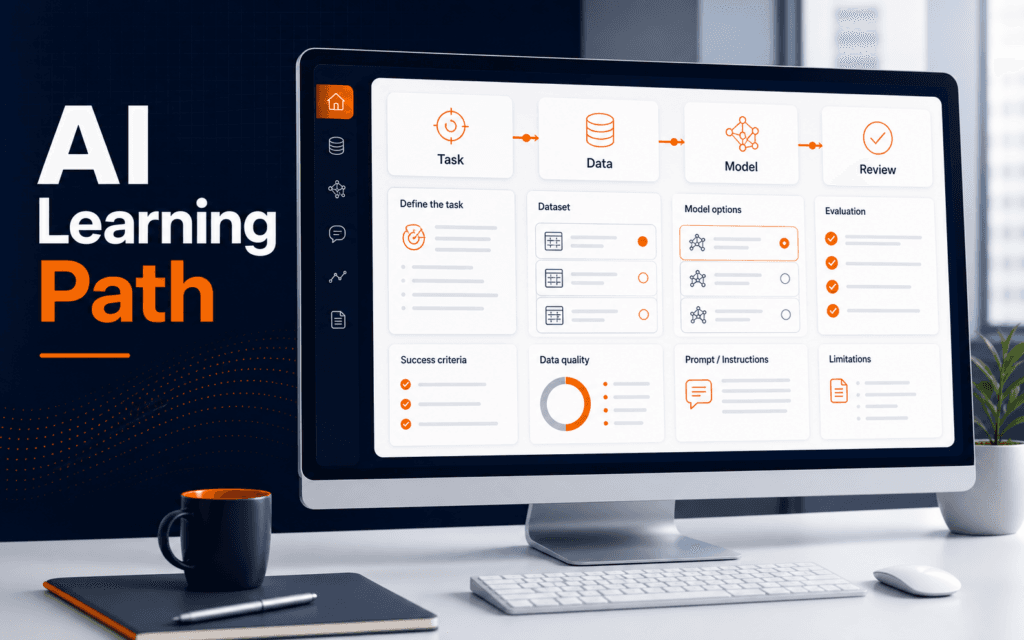
An AI learning path for beginners should not start with random tools. Start with the problem an AI system is supposed to solve, learn the difference between artificial intelligence, machine learning, and deep learning, practice with clean data, build small prompt and model exercises, evaluate the output, and document what the system can and cannot do. That sequence gives beginners a usable foundation instead of a collection of disconnected tutorials.
IBM describes artificial intelligence as technology that lets computers and machines simulate abilities such as learning, comprehension, problem solving, decision making, creativity, and autonomy. IBM also explains the relationship between AI, machine learning, and deep learning: AI is the broad field, machine learning is a subset, and deep learning sits inside machine learning. For a beginner, that means the learning path should move from broad concepts to practical decisions.
Start With The Task
Before learning a model name or tool interface, describe the task in plain language. Are you trying to classify messages, summarize text, answer questions, generate images, recommend products, detect unusual activity, or automate a repeated workflow? The task decides what kind of AI concept matters.
This prevents shallow learning. A student who says “I want to use AI” has no test for success. A student who says “I want to classify course enquiries into admissions, fees, timing, and technical support” can judge whether the output is correct.
Write the task, input, expected output, success criteria, and risk. A simple task statement might be: “Given a short enquiry message, return one category and a short reason.” That is enough to start practical work.
The Artificial Intelligence course fits this stage because beginners need structured practice connecting AI concepts to real tasks.
Learn The Core Vocabulary
Beginners do not need to memorize every AI term at once. They do need a few durable distinctions. Artificial intelligence is the broad idea of machines performing tasks associated with intelligent behavior. Machine learning uses data to learn patterns. Deep learning uses layered neural networks and is commonly used in modern AI systems.
That vocabulary matters because it changes the learning decision. A prompt-based workflow may not require training a model. A prediction task may require labeled examples. A computer vision project may need image data and a different evaluation method. A chatbot may need instructions, retrieval, guardrails, and human review.
Avoid pretending every AI project is the same. The right concept depends on the task, the data, the output, and the cost of mistakes.
Practice With Data Quality
AI work is shaped by data. Even prompt-based workflows depend on the examples, documents, forms, and context you provide. Poor data creates poor outputs, even when the model is strong.
Start with small datasets that are easy to inspect. For text work, use ten to twenty example messages. For image work, compare a small set of clear and unclear images. For spreadsheet work, check missing values, duplicate rows, inconsistent labels, and sensitive fields before asking AI to analyze anything.
Create a short data checklist: source, permission, field names, missing values, duplicates, sensitive data, label quality, and expected output. This makes beginner projects safer and easier to debug.
Understand Models Without Overclaiming
A model is not magic knowledge. It is a system that processes input and produces output based on its training, instructions, architecture, tools, and available context. A beginner should learn how model behavior changes when the task, examples, instructions, or data changes.
Practice by keeping the task fixed and changing one input at a time. Try a short prompt, then add examples, then add constraints, then add an evaluation checklist. Watch what improves and what gets worse.
Do not claim that a model is accurate because one answer looked good. Accuracy depends on the task and the test cases. A model can perform well on easy examples and fail on edge cases.
Build Prompting Skills
Prompting is a practical way to learn how instructions shape AI behavior. A useful prompt gives the role, task, context, output format, constraints, and examples when needed. It also says what the model should avoid.
For example, instead of asking “summarize this”, a stronger beginner prompt says: “Summarize this enquiry in two sentences, keep the student’s question clear, remove private contact details, and return one follow-up action.” That prompt has a task, quality boundary, and safety rule.
The Prompt Engineering course is relevant when students want to practice instructions, examples, structured outputs, and review habits.
Learn Evaluation Early
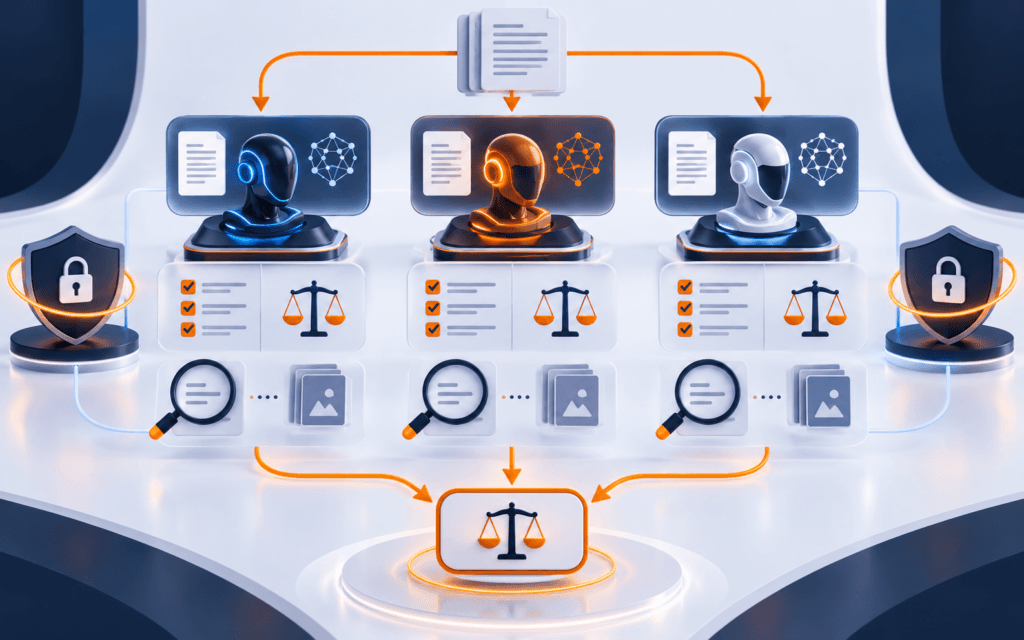
Evaluation is the habit that separates useful AI work from guessing. For every task, create test cases before deciding that the workflow works. Include normal examples, unclear examples, missing information, noisy text, and cases where the right answer should be “not enough information.”
Score outputs against a rubric. For a classification task, check category, reason, confidence, and privacy. For summarization, check accuracy, missing facts, added facts, tone, and length. For generated content, check originality, factual support, brand fit, and clarity.
NIST’s AI Risk Management Framework exists to help manage AI risks to people, organizations, and society. Beginners do not need to become compliance experts, but they should learn that AI systems need review, documentation, and risk thinking.
Create Small Projects
A strong beginner path includes small projects that can be finished. Build an enquiry classifier, a privacy-safe summary tool, a prompt library, a product description reviewer, or a simple FAQ assistant using approved content. Keep the scope narrow.
Each project should include input examples, prompt or model notes, evaluation cases, failure examples, and a short improvement log. This creates a portfolio that shows thinking, not only screenshots.
The AI Automation and Agent Development course becomes useful after the basics because automation adds triggers, tools, logs, retries, and approvals to the AI workflow.
Build A Review Checklist
Every beginner AI project needs a review checklist. The checklist should ask whether the task is clear, whether the input data is appropriate, whether private data was removed, whether the output matches the requested format, whether the answer adds unsupported facts, and whether a human should approve the result before use.
This checklist should be written before the project is tested. If it is written after the model gives an impressive answer, the review may become too forgiving. A fixed checklist keeps the review honest.
For content tasks, include factual accuracy, source support, tone, originality, and audience fit. For classification tasks, include correct label, useful reason, confidence, and edge cases. For automation tasks, include permission, logging, retry behavior, and failure handling.
Document Limitations
AI beginners often want a tool to look complete, but a useful project also explains its limits. Write what the system does well, what it does poorly, what data it was tested on, what it should not be used for, and when a human must intervene.
Limit notes protect the user and improve learning. If an enquiry classifier struggles with mixed-language messages, record that. If a summarizer drops important dates, record that. If a prompt works only with short inputs, record that. These notes become the next improvement plan.
Documentation also helps in portfolio review. A project that includes limitations shows mature judgment. It tells an instructor, employer, or client that you understand AI systems need boundaries.
When the project improves, update the limitation note instead of deleting it. A good note can change from “fails on mixed-language messages” to “mixed-language messages require human review.” That kind of revision shows the system is becoming more reliable without pretending it has no risk, especially during real classroom practice.
Avoid Common Beginner Mistakes
Do not start by chasing every new model announcement. Do not paste private data into tools without review. Do not call generated text “verified” without checking it. Do not build a complex agent before you can explain the task. Do not use AI output in public work without editing and source review.
Another mistake is skipping fundamentals because a tool feels easy. A polished interface can hide weak reasoning. Beginners still need to understand the task, data, output, limits, and review process.
Final Learning Sequence
Use this sequence for your first month: define five AI tasks, learn the basic vocabulary, clean small example data, write structured prompts, create test cases, review outputs, document limitations, and build one small project. Then repeat with a harder task.
AI becomes practical when you can explain what the system receives, what it produces, how you checked it, and where a human must stay involved.
Use one small baseline project throughout the early stages. Repeating the same problem with clearer data, evaluation, and documentation makes progress easier to measure than starting an unrelated project for every new concept.
For learners in Gujrat, Punjab, Pakistan, this guide provides a practical benchmark when exploring the Artificial Intelligence (AI). It helps prospective students ask about project work, feedback, and current requirements without relying on broad promotional claims.
FAQ
What should a beginner learn first in AI?
Learn task definition, basic AI vocabulary, data quality, prompting, evaluation, and small project documentation before trying complex automation.
Do beginners need machine learning math first?
Math helps for advanced model work, but beginners can start by understanding tasks, data, outputs, and evaluation before moving into algorithms.
How can I practice AI safely?
Use synthetic or anonymized examples, avoid private data, create test cases, review outputs manually, and document limitations for each project.
Want to Build Practical Technology Skills?
Explore RisingEdge courses designed to help students learn real skills, build projects, and prepare for career opportunities.