
Computer & IT Skills
Computer Course in Gujrat: Basics & MS Office
A practical computer course for beginners in Gujrat: Windows, typing, internet, email, Microsoft Word, Excel and PowerPoint, with hands-on practice in every class.
- Duration:
- 3 Months
- Classes:
- On-Campus
- Modules:
- 6
- Location:
- Shadola Road, Gujrat
What you'll learn
- Use Windows, files, folders, internet and email confidently
- Improve typing speed and accuracy
- Create documents, CVs and letters in Microsoft Word
- Build spreadsheets in Excel and presentations in PowerPoint
- Computer and Windows basics, files and folders.
- Typing practice for speed and accuracy.
- Internet, email and online safety.
- Microsoft Word: letters, CVs, reports and formatting.
- Microsoft Excel: tables, formulas, charts and basic data work.
- Microsoft PowerPoint: clear, professional presentations.
Course content
6 modules · 24 lessons · 6 projects · 3 Months
Module 1: Computer Basics & Windows4 lessons
Use a computer confidently for study and work.
- Computer parts, hardware and software
- Windows desktop, settings and shortcuts
- Files, folders and storage
- Installing software safely
- Project: Organised folder system
Module 2: Typing, Internet & Email4 lessons
Daily skills for office work.
- Touch typing practice for speed and accuracy
- Browsers, search and online safety
- Gmail and Outlook: writing professional emails
- Google Drive and cloud storage
- Project: Professional email and shared folder
Module 3: Microsoft Word4 lessons
Create professional documents.
- Formatting text, paragraphs and styles
- Tables, images and page layout
- CVs, letters and applications
- Headers, footers, page numbers and printing
- Project: Professional CV and cover letter
Module 4: Microsoft Excel4 lessons
Work with data, calculations and reports.
- Cells, rows, formatting and sheets
- Formulas and functions: SUM, AVERAGE, IF, VLOOKUP/XLOOKUP
- Sorting, filtering and tables
- Charts and basic reports
- Project: Budget and sales report
Module 5: Microsoft PowerPoint4 lessons
Present ideas clearly.
- Slide design and layouts
- Images, icons and charts
- Animations and transitions
- Presenting with confidence
- Project: Business presentation
Module 6: Office Productivity & AI Tools4 lessons
Work faster in modern offices.
- Google Docs, Sheets and Slides
- Using AI assistants for documents
- Printing, scanning and PDFs
- Final practical assessment
- Project: Office skills portfolio
Requirements
- No previous computer experience is required
- Regular attendance
- Matric, Intermediate, job seekers and office staff are welcome
About the Computer course in Gujrat
The Computer Basics & MS Office course at RisingEdge is for anyone who wants to use a computer confidently for study, office work or job applications. Students start with Windows, files and typing, then learn internet and email, and finish with Microsoft Word, Excel and PowerPoint through real tasks such as CVs, letters, reports, spreadsheets and presentations. It's a strong first step before courses like web design, graphic design or digital marketing.
Tools and software
- Windows and file management
- Typing practice software
- Microsoft Word
- Microsoft Excel
- Microsoft PowerPoint
- Email and internet tools
Career paths after this course
Office Assistant
Computer Operator
Data Entry Operator
Admin Support
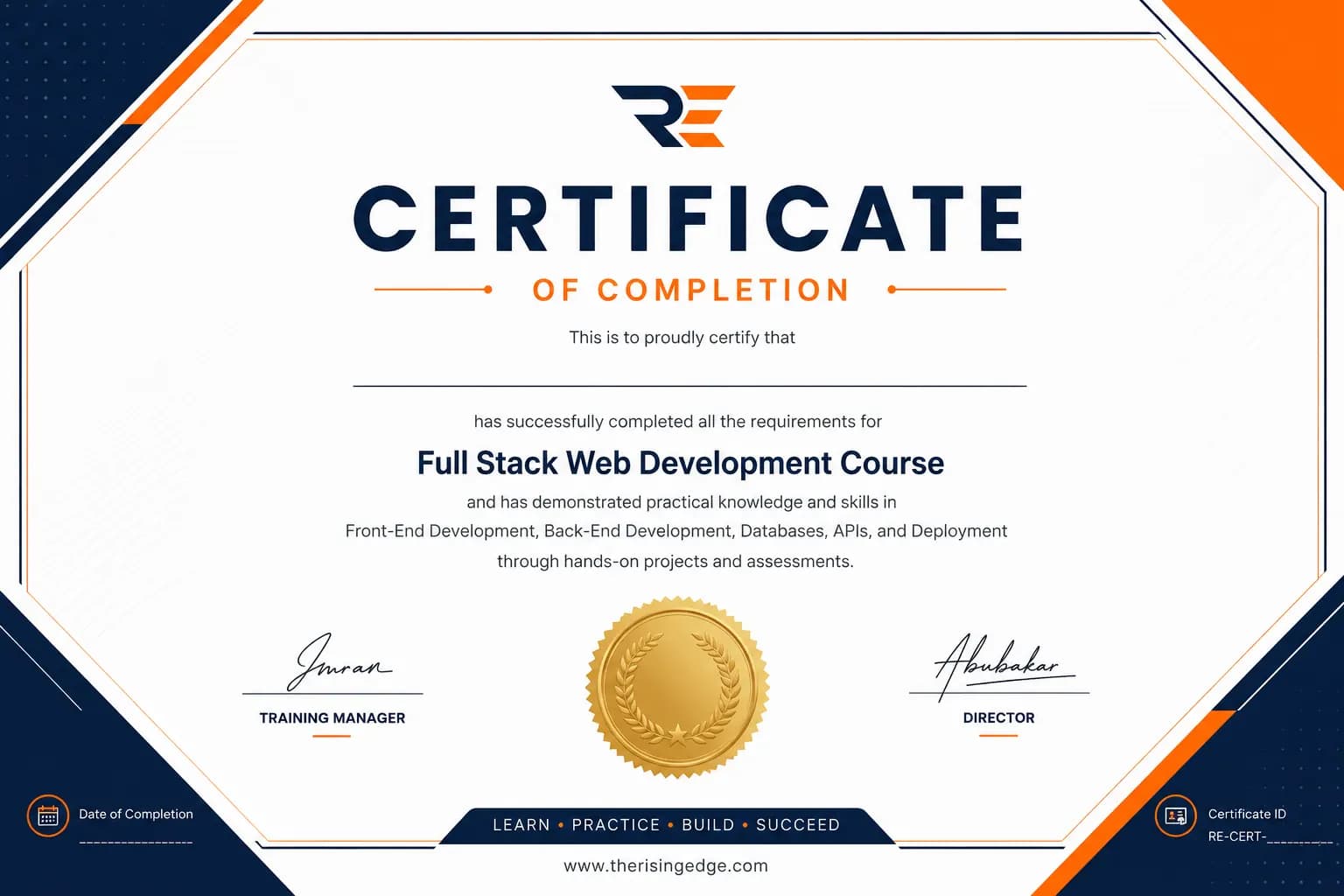
Certificate of completion
After successfully completing the course requirements and final project, you will receive a RisingEdge certificate of completion. Your practical project work remains the clearest evidence of the skills developed during training.
Frequently asked questions
Is this course for complete beginners?
Yes. No previous computer experience is needed.
Who should join?
Matric and Intermediate students, job seekers, office staff, and anyone who wants to use a computer confidently.
What should I learn after this course?
Many students move on to web design, graphic design, digital marketing or AI courses at RisingEdge.
When does the course start?
Admissions are opening soon. Message us on WhatsApp to join the waitlist.
What is the fee for the Computer Basics & MS Office course in Gujrat?
The fee will be announced when admissions open. Message RisingEdge on WhatsApp at +92 329 7122947 to join the waitlist and get the fee first.
Can students from Kharian, Lalamusa or Mandi Bahauddin join this course?
Yes. RisingEdge is on Shadola Road, Gujrat, near Central Model School, and students join from Gujrat city, Kharian, Lalamusa, Jalalpur Jattan, Sarai Alamgir, Dinga and Mandi Bahauddin.
Where can I find a Computer Basics & MS Office course near me in Gujrat?
RisingEdge teaches the Computer Basics & MS Office course at its institute on Shadola Road, near Central Model School, Gujrat, Punjab. Classes run Monday to Saturday in small, trainer-led batches. Call or WhatsApp +92 329 7122947 to book a visit before you enrol.